How we wrote Frame Break
A 16-chapter graphic novel, built in Youdio Studio: the rules, the cast, the places, the props, and how every panel stays consistent.
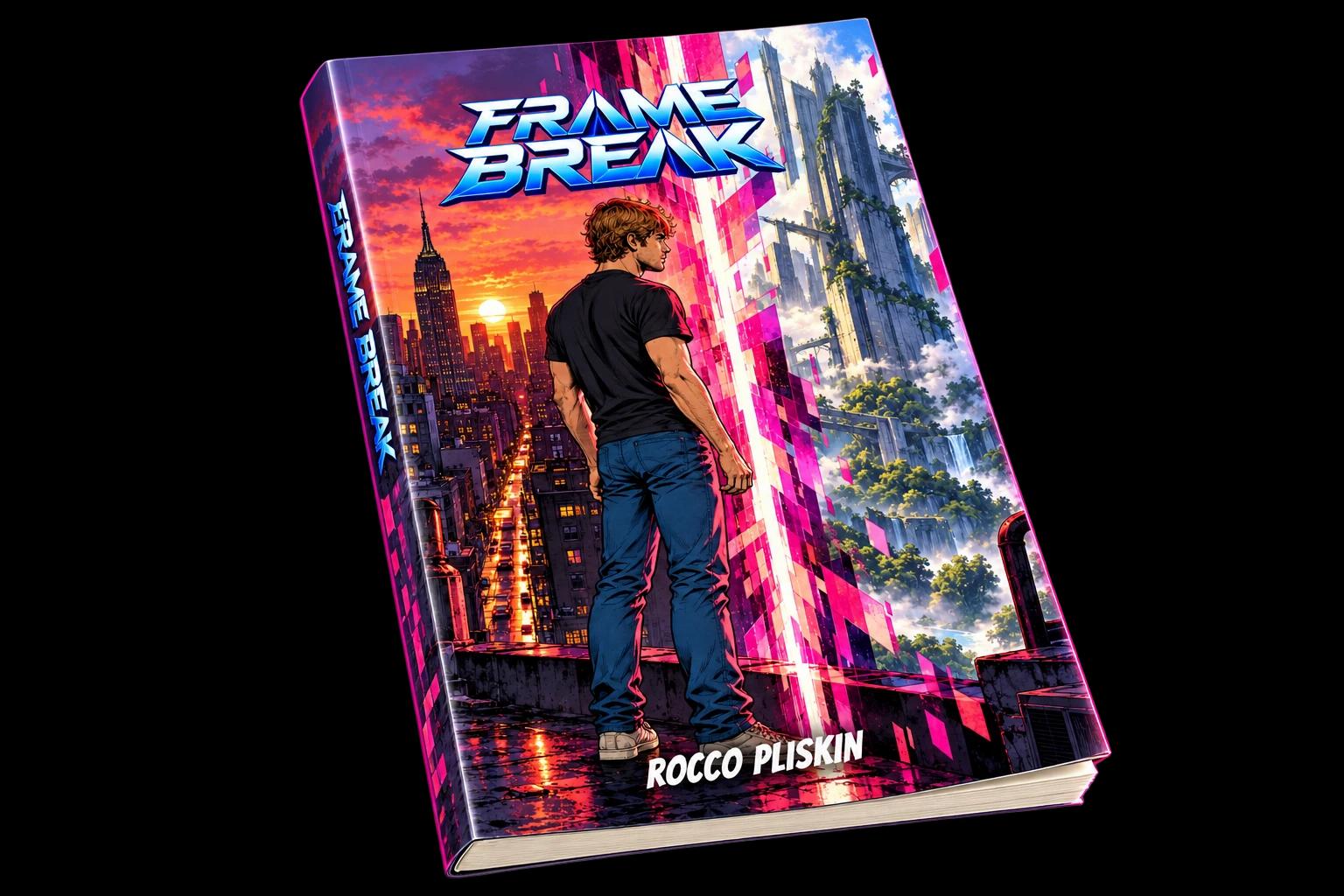
Frame Break is about an architect in 1996 New York who notices the repetitions, tests them, and finds the seam. It has 16 chapters, about 250 pages and roughly 950 panels. It has a cast of about two dozen characters and more than twenty places. This guide shows how we built it in Youdio Studio, and how you can build your own book the same way.
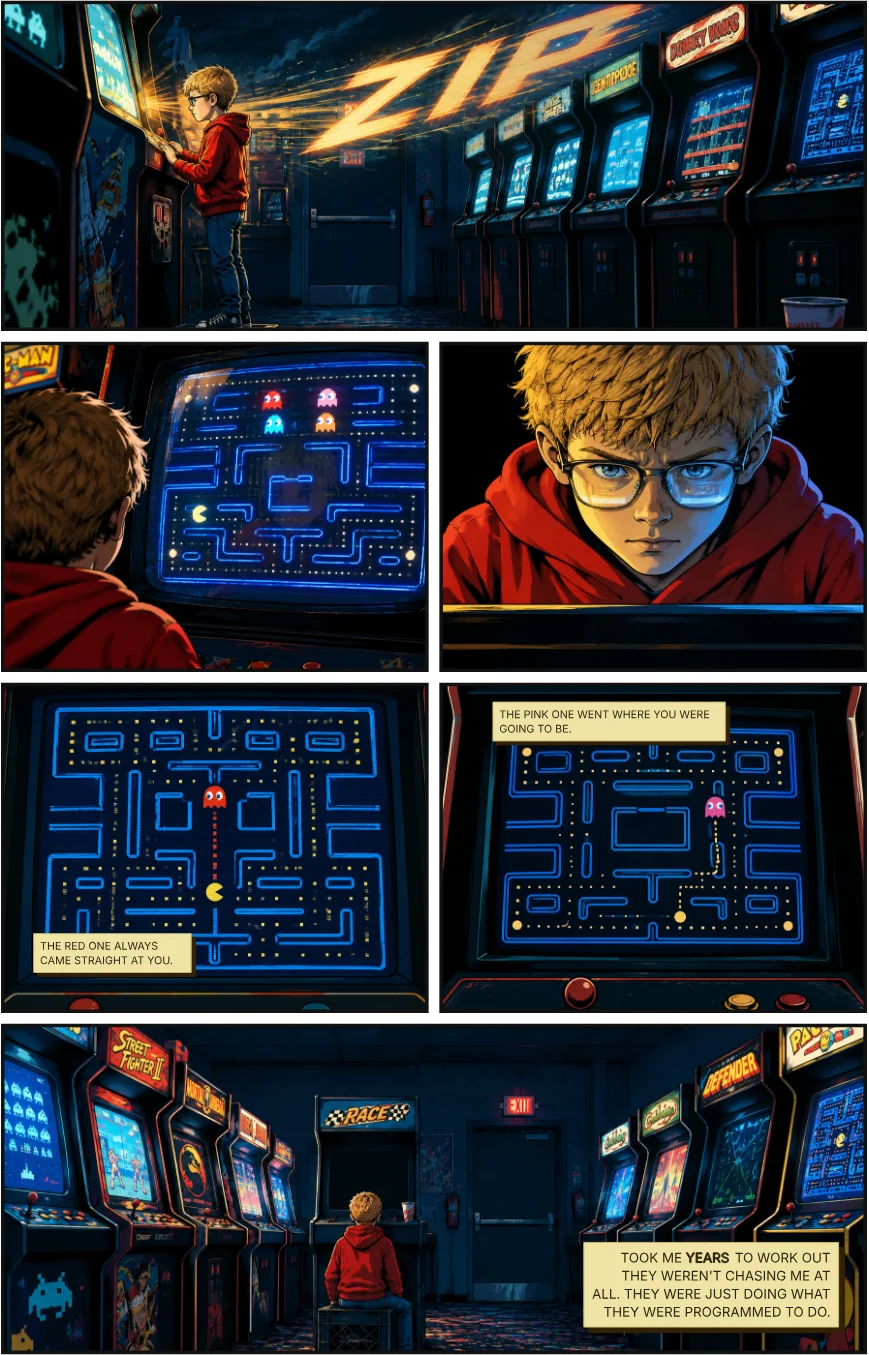
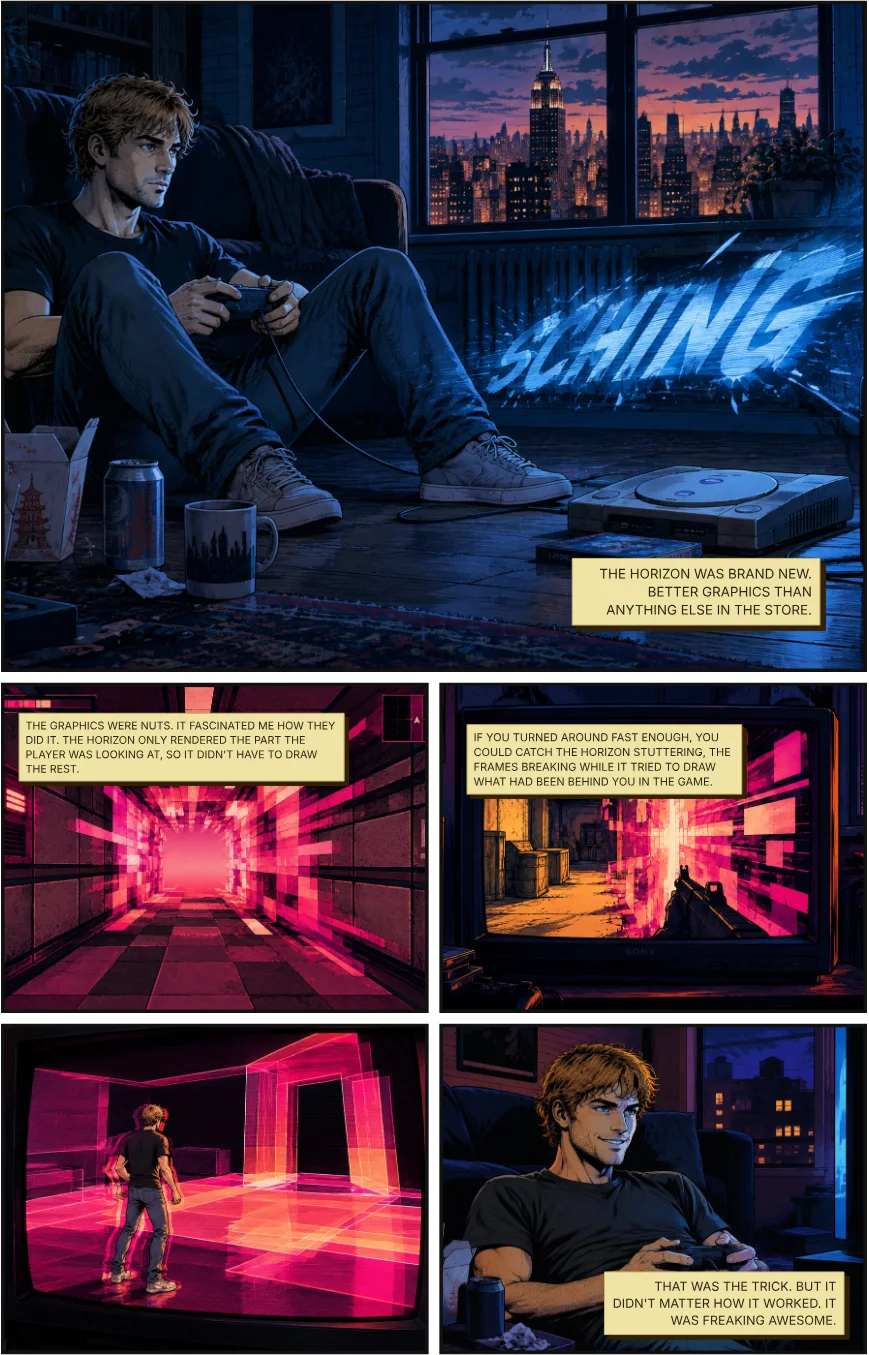
Two pages from chapter one of Frame Break, rendered directly from the book in Youdio Studio.
01Write the rules before the plot
Before the first chapter, we wrote down how this world works. Frame Break has a short list of world rules, each one a single line that any scene has to obey. Three of them:
- Detail follows attention. Fidelity is spent where the observer is looking, and the periphery is only approximated until he turns his head.
- Novelty has latency. Anything the system hasn't prepared has to be generated live.
- Unobserved things are not stored. When nobody is looking at a space, it isn't kept.
02Build the cast once
Every character is added to the book's cast once, with a look, a role and any outfits. Abe, the lead, is an architect in his mid-twenties who is good at noticing where lines don't meet. He has five outfits, each with its own tag, so a coat, a white shirt or a flight jacket can be called up by name in any panel.
Two habits made a big difference. First, the same person at a different age is a separate cast entry. Abe at seven is its own character, with a note to keep his youthful likeness and not age him up. Second, retire, don't delete. When a character is cut from the book, we mark them as retired and keep them as history, rather than losing the work.
03Build the places, with a list of what to avoid
The book has more than twenty places, from a 1981 arcade and a 1996 café to a vast library and a physical machine hall. Each one is written once: materials, light, palette, and what the camera should always notice. The most useful part of each entry is often an "avoid" list. The library, for example, is written to avoid ordinary data-centre rows, repeating grids, glowing blue cyberpunk lighting and floating code.
Places can carry story too. In the access tunnels, repeating stencils, lights and pipe brackets are meant to recur at exact, rigid intervals, because that is where the world's repetition shows.
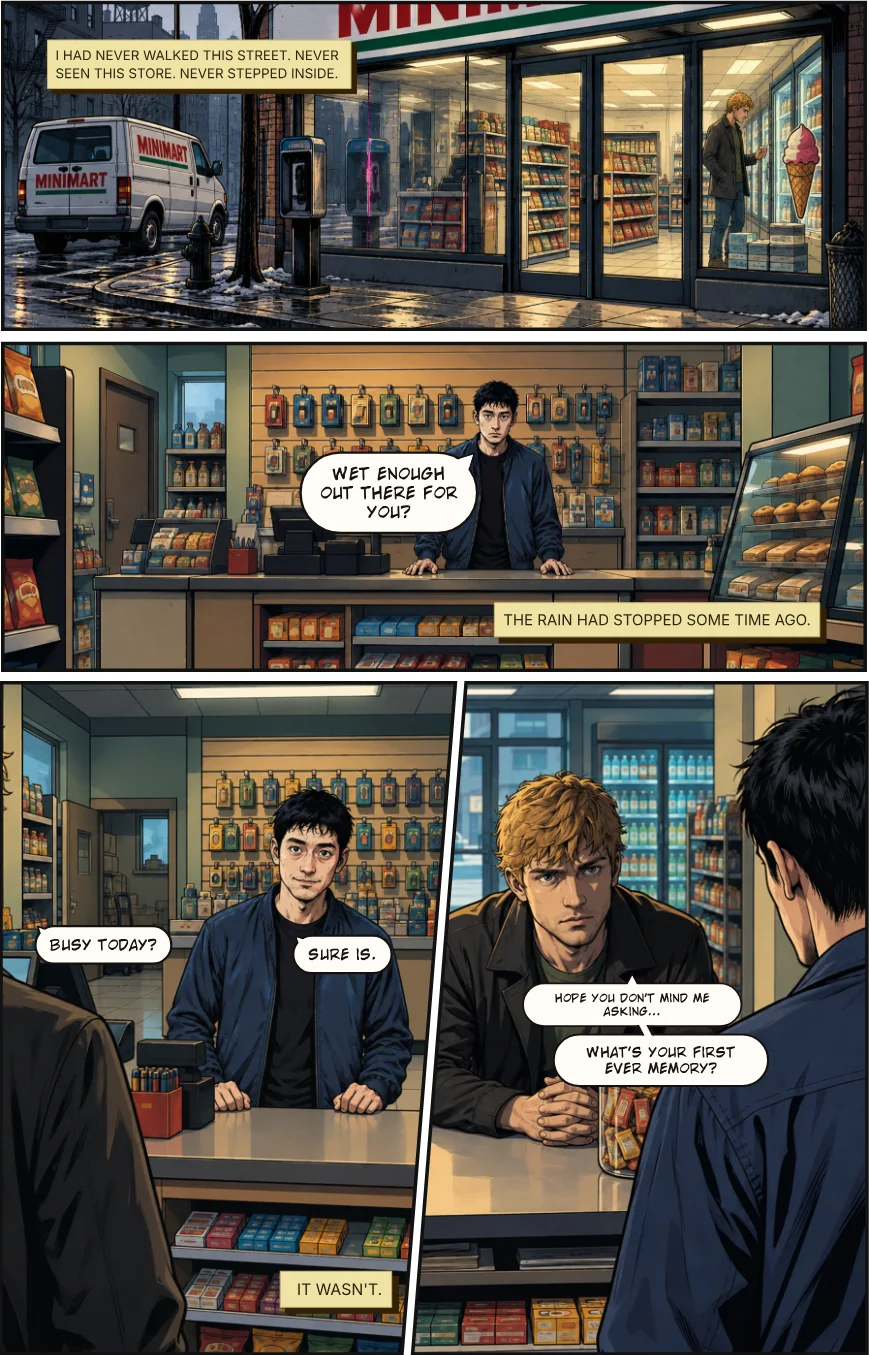
04Build the props and the effects
Props that matter to the plot are saved like characters. Frame Break has a games console and its controller, a handmade device called the Overclock, a removable disk, a heavy staff, a delivery van and a can of soup, each described once as a specific physical object. The disk, for instance, is written as ordinary period technology: worn smoke-grey plastic, a small metal shutter, scratches. "Not futuristic equipment" is part of the description.
Effects get the same treatment. The glitch the book is built on is a single saved effect called partial render. It has one visual grammar: translucent rectangular planes and blade-like shards in saturated pink. It can be as small as a hand-length sliver under an ordinary surface, or as large as whole stretches of scenery arriving as sparse translucent planes. It also has an explicit never-use list: no cyan wireframe, no polygon mesh, no RGB noise, no floating code. Because every glitch pulls the same description, they all look like one phenomenon.
05Chapters, pages, cells
The book is built in three levels. A chapter has a logline and a set of pages. A page has a title and a layout. A cell is a single panel: its layout, a short description, an optional art direction, and any captions or dialogue. The book's outline shows how many cells in each chapter are written and how many are still empty, so you always know where you aren't finished. Chapter one, "Dedicated", is 14 pages and 59 cells.
Every cell starts with a one-line description that tags the people and places it uses. In the arcade page above, the first panel reads, in effect: the arcade, 1981, a boy too short for the machine standing on an upturned milk crate. The arcade and the boy are both tags, so the panel pulls their saved looks.
Our template for the panels that matter
For key panels we add an art direction with the same eight headings every time: setting, shot, character, action, mood, visual hook, composition, important details. The "visual hook" is the one that does the most work. For the arcade, it was a single idea: the arcade is lit entirely by the cabinets, so every light source is a screen. That one sentence is why the whole page is cold blue and green, with the boy as the only warm thing in the room.
06Make continuity part of the writing
- Reuse the same framing to let the reader compare. Two panels in a row show the same arcade screen, framed identically, with only the ghost's path changed. The reader sees the difference without being told.
- Plant clues as incidental detail. The milk crate carries a small stamp that is described as set dressing, small enough not to pull focus.
- Tag everything, every time. People, places and props are tagged in every cell they appear in. That is what keeps faces, costumes and rooms from drifting across 250 pages.
- Use the same visual language for the world's secrets. The glitch on the games console in chapter one is the same glitch that appears, in another form, much later.
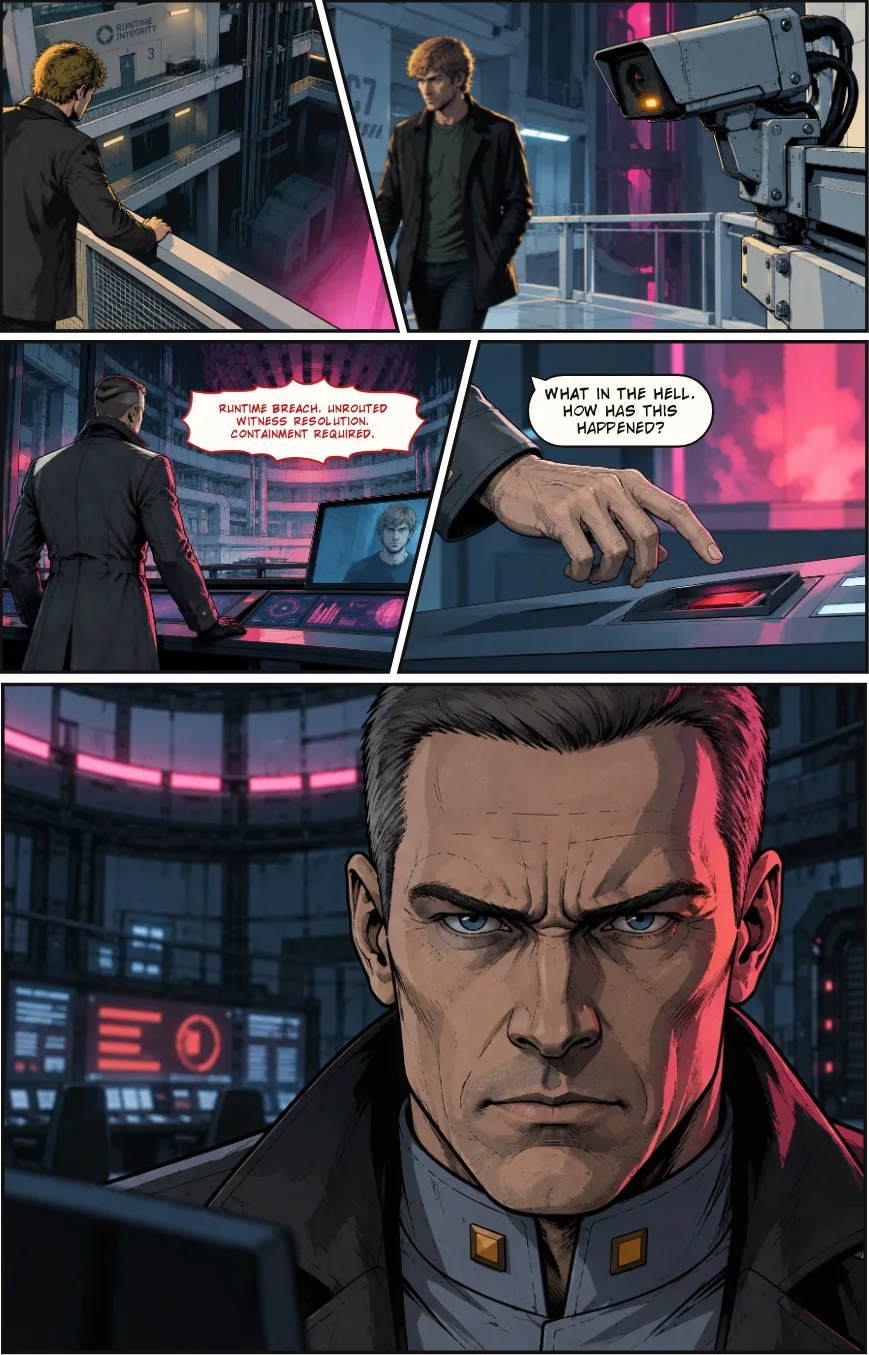
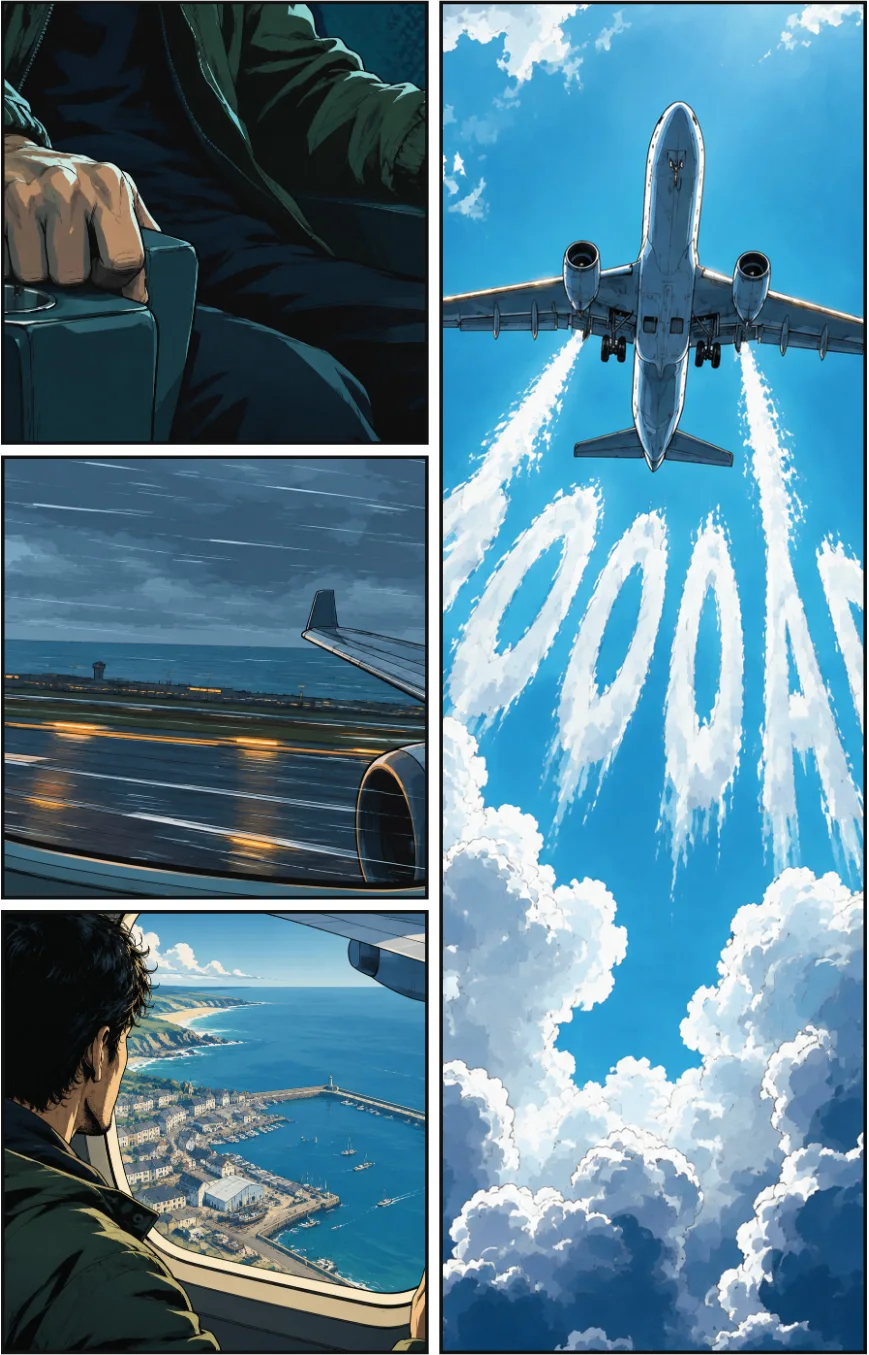
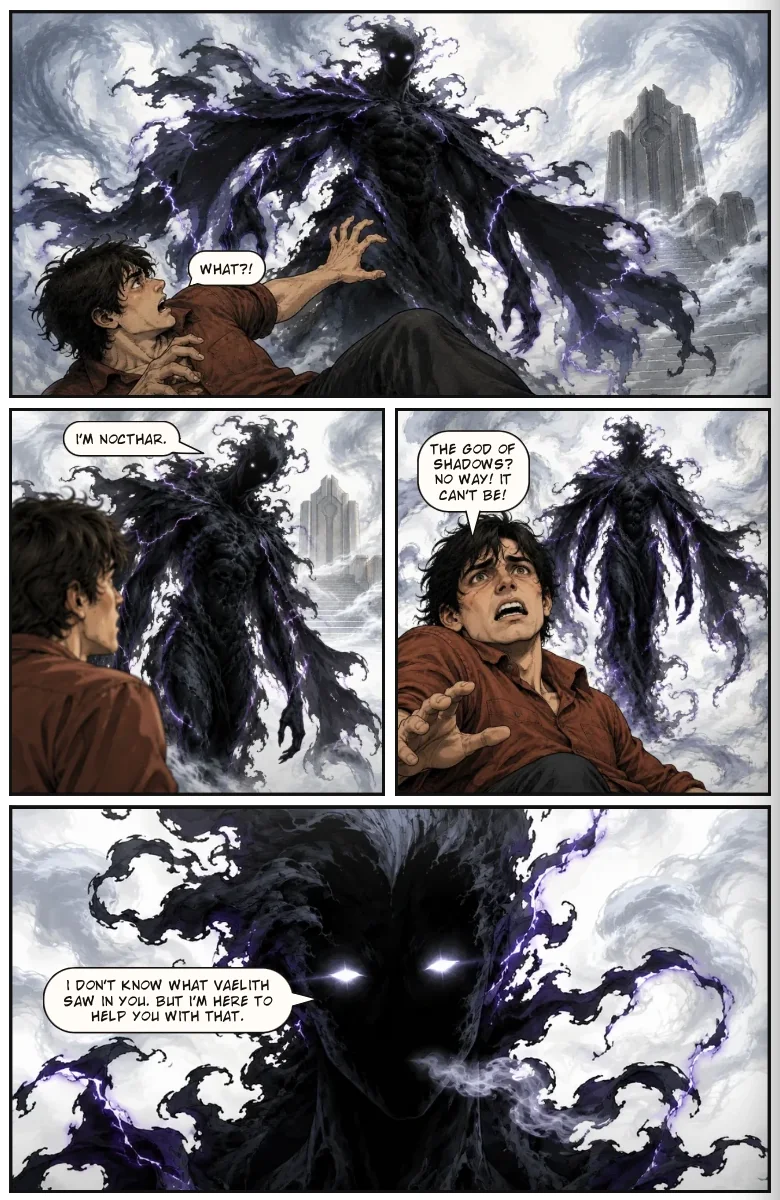
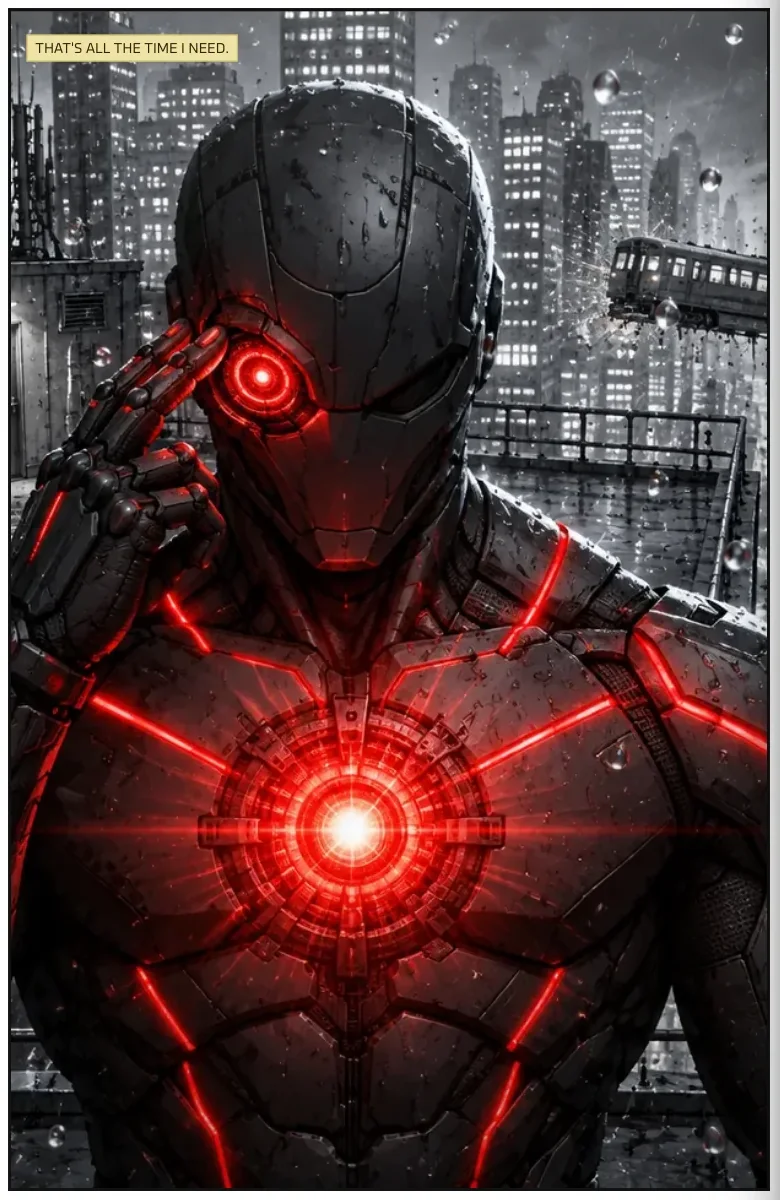
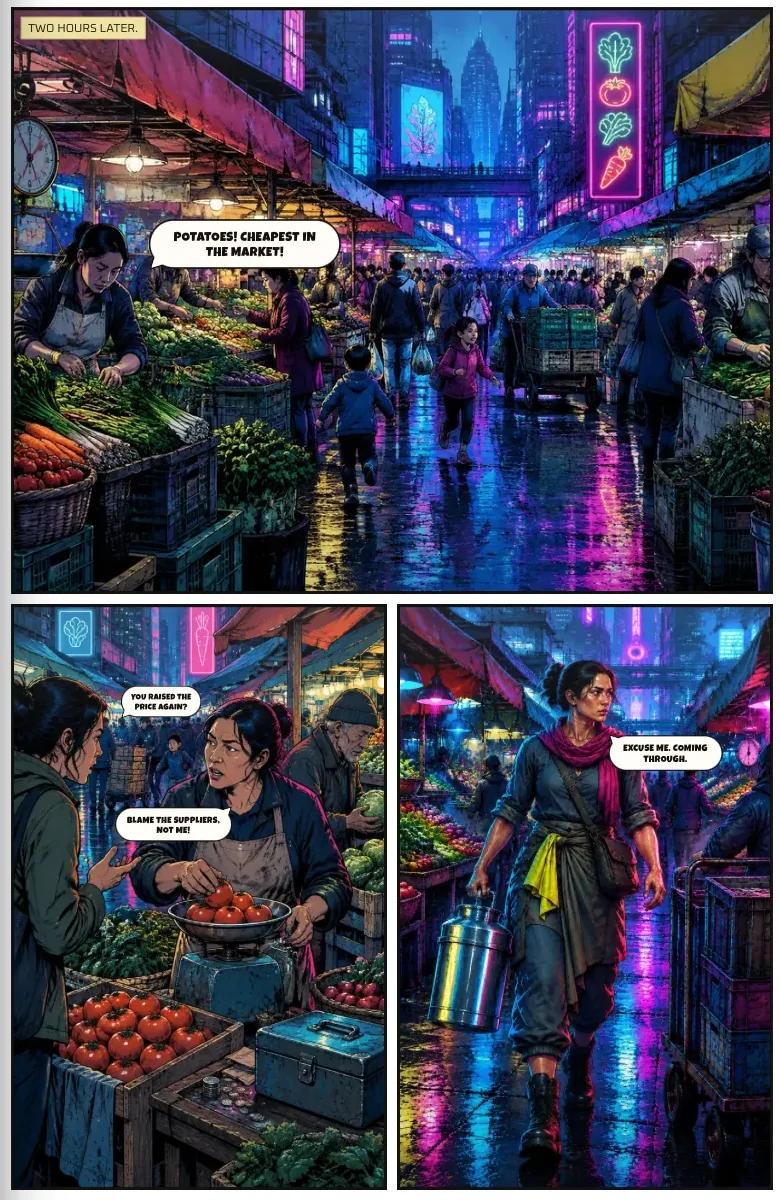
Later chapters, same characters and same visual language: a control room in chapter three, and a flight in chapter eight.
07Shape it into a real story
Each chapter has its own logline, and the loglines read as a short version of the whole book. We also let chapters break the pattern. Chapter four is told entirely by another character, in his voice, with the lead nowhere in it, and it is the longest chapter in the book at 28 pages. Having a chapter-level plan made it easy to see where a change of voice would land.
What to take from this
- Write the rules of your world first.
- Add every character, place and prop once, then tag them everywhere.
- Give your recurring effects one visual grammar, with a never-use list.
- Use a short template on the panels that matter.
- Plan at the chapter level, and let the outline tell you where you aren't finished.
Read the finished book: Frame Break is available in the public library.
New to the process? Start with how to make a graphic novel with AI, then read how to keep characters consistent. When you're ready to publish, see how to print a self-published graphic novel.
Ready to build your own? Start with Youdio Studio — free, no card needed.
Frequently asked questions
Was Frame Break made in Youdio Studio?
Yes. The cast, places, props, chapters, pages and panels were all built in Youdio Studio, and the pages in this guide are rendered straight from the book.
Do I have to write art directions as detailed as yours?
No. A single sentence per panel is enough to start. The longer template shown here is a habit we use on the panels that matter most, and you can add detail to any panel later.
How does Youdio Studio keep a character the same across hundreds of panels?
Each character is added to the book's cast once, with a look and any outfits. Tag a character in a panel and the same details are used each time, so faces and costumes don't drift between pages.
Can I change my story after I've started?
Yes. Chapters, pages and panels can be rearranged, and characters can be retired without being deleted, so the book keeps its history.
Can I try this on my own story?
Yes. You can start for free with no card needed. Bring a script, an outline or only a premise.