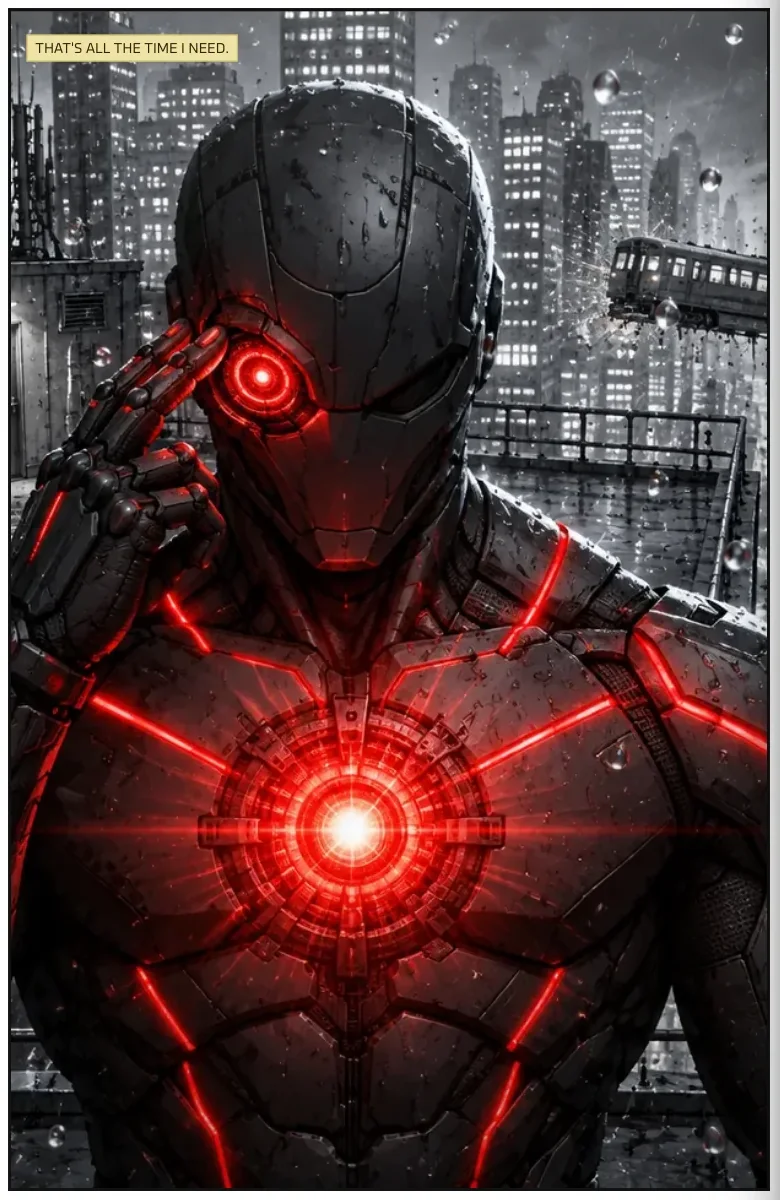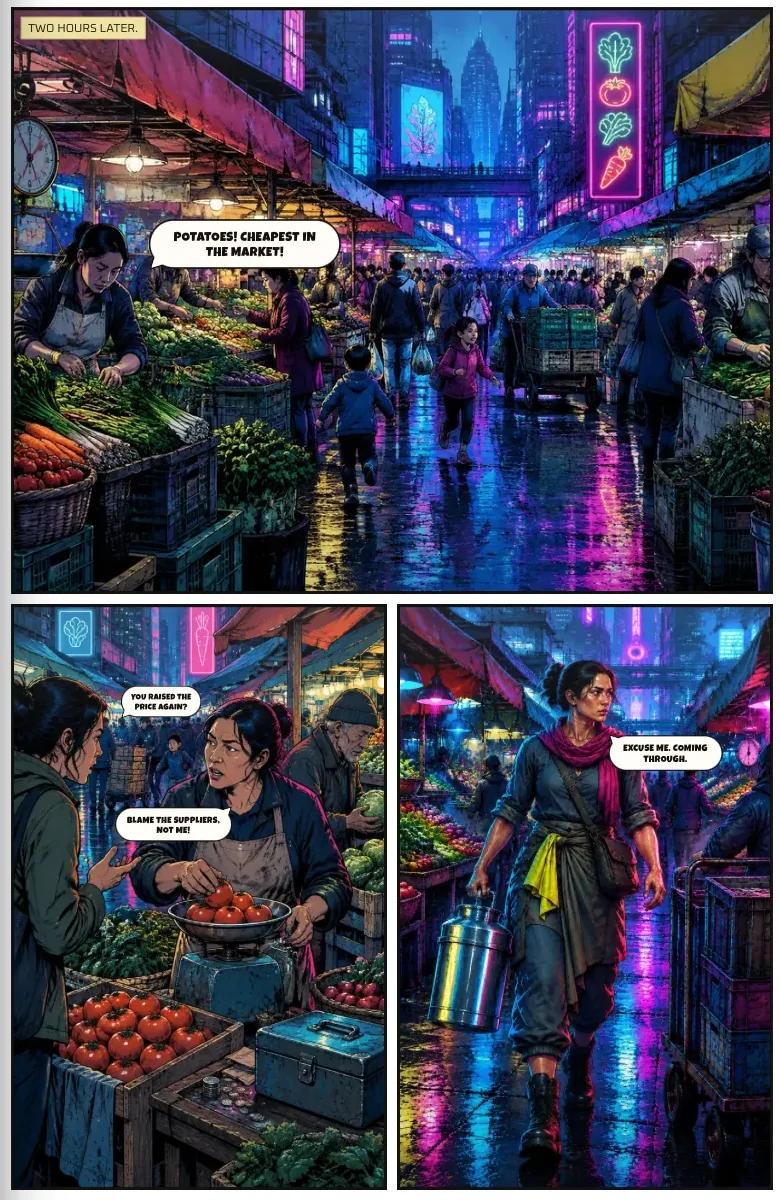
How to keep characters the same in AI comics
Faces drift. Costumes change. Here is why it happens, and the habits that stop it.
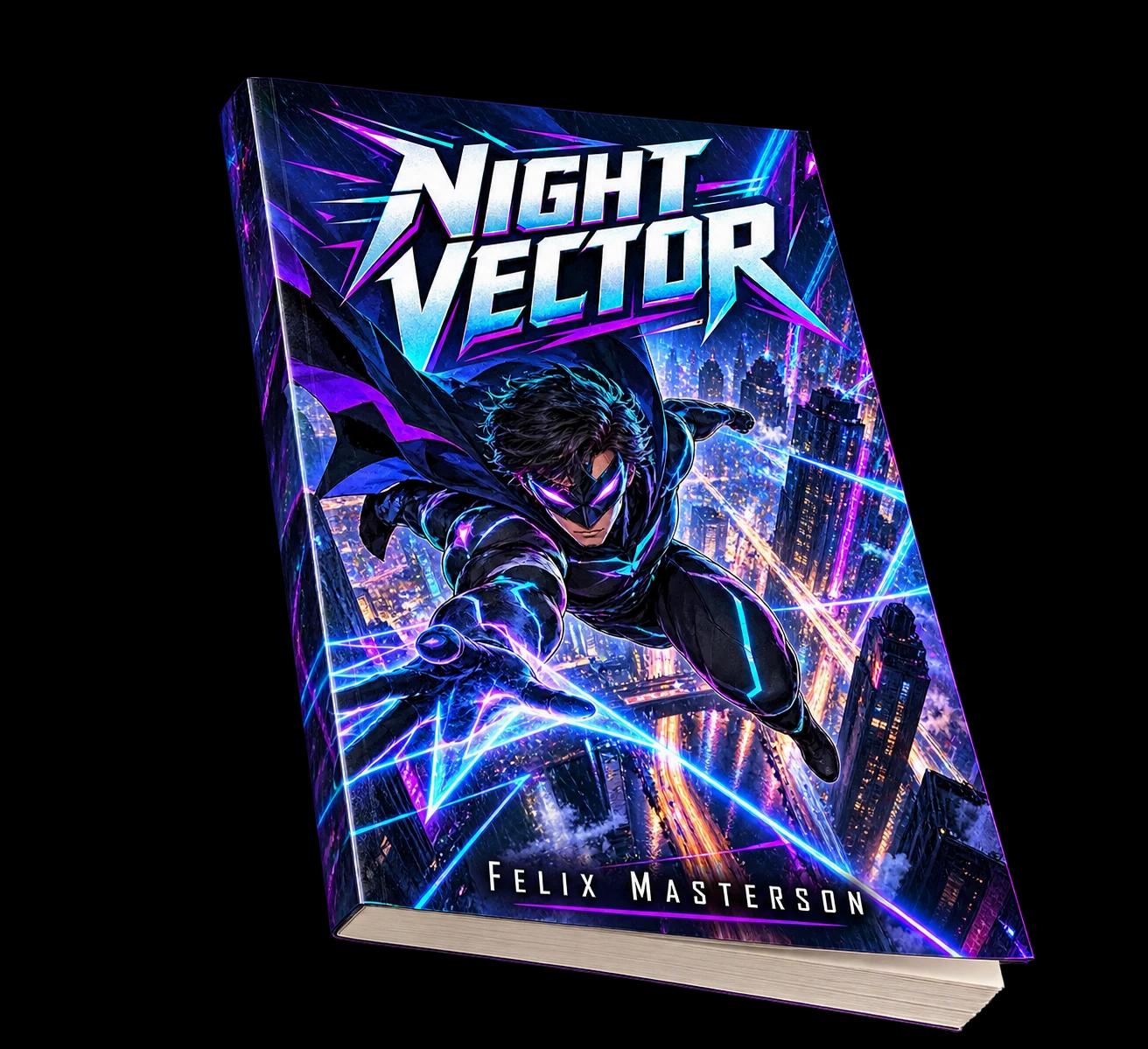
Save each character once, with their look and outfits, and reuse those same details in every panel. Characters drift in AI comics because each image is generated from scratch, so nothing remembers the last one. The fix is to give the AI the same reference every time instead of retyping a description and hoping.
Why characters drift
Each panel is a new generation. Small differences in how you word a description, such as hair colour, a jacket or an age, produce a slightly different person. Over twenty panels those differences add up until your hero has three different faces. Style drifts the same way: one panel looks inked, the next looks painted.
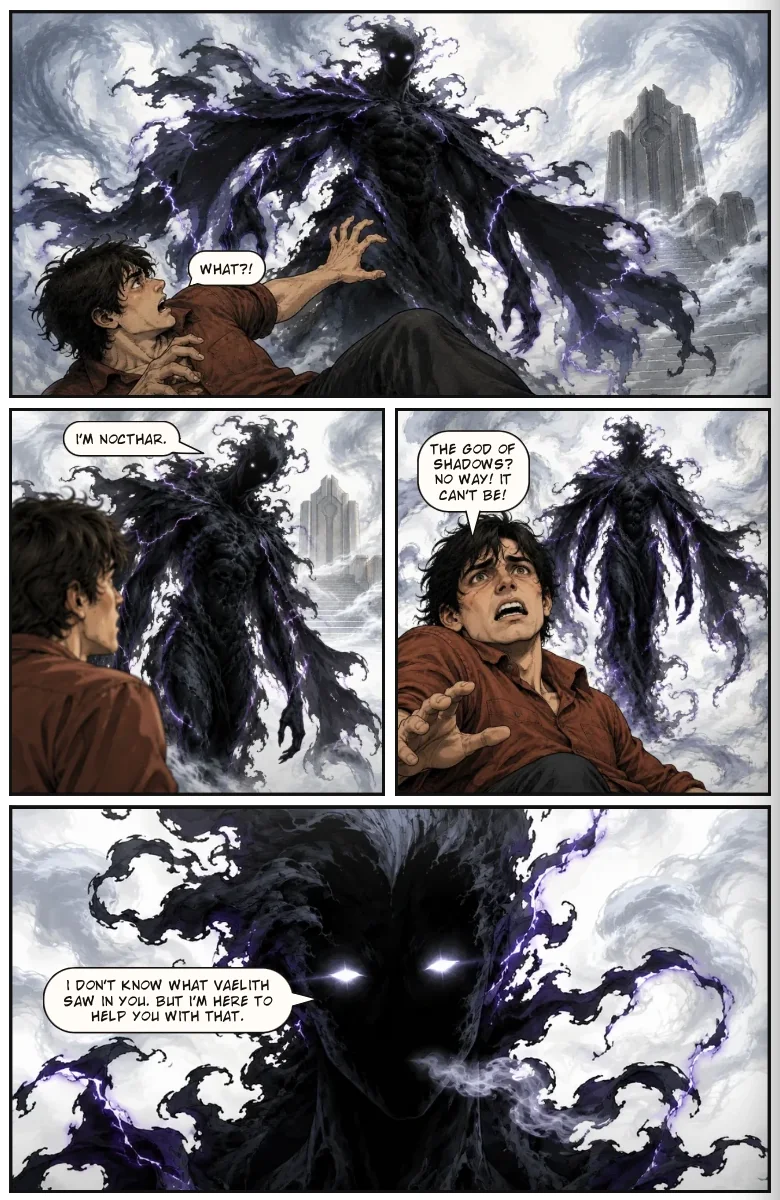
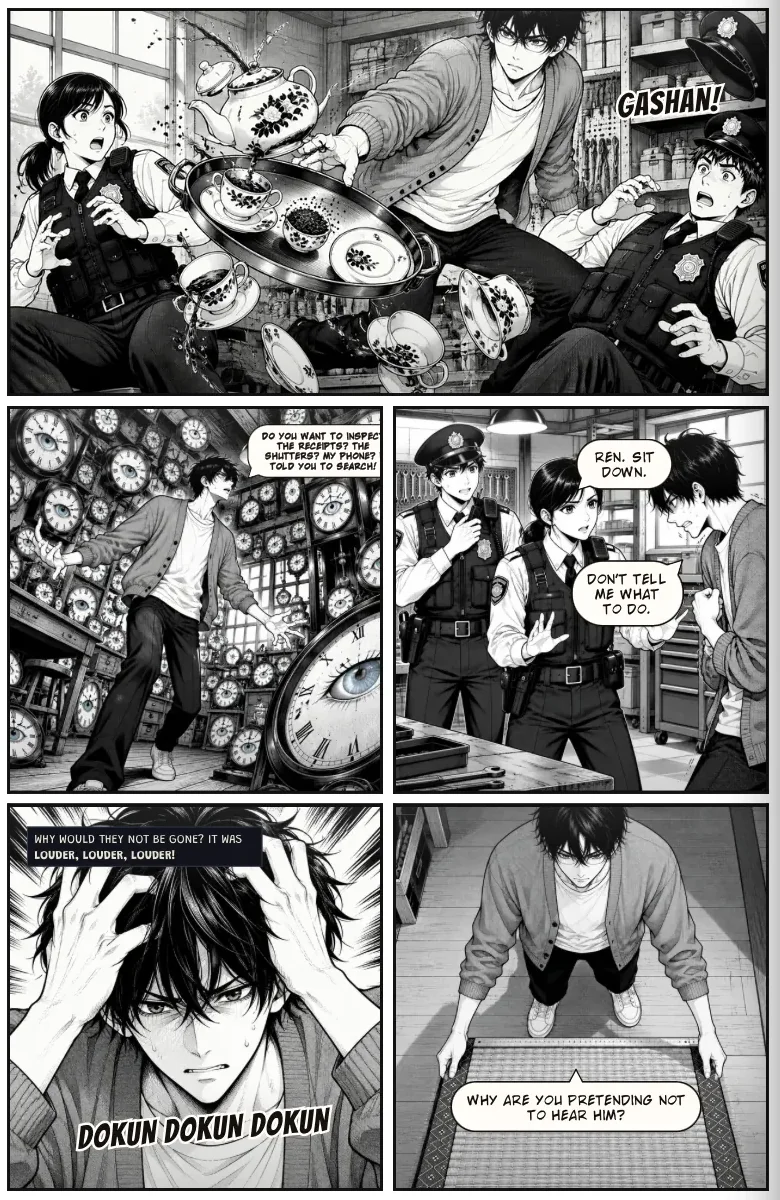
What consistency looks like: one character, many angles and expressions, still clearly the same person.
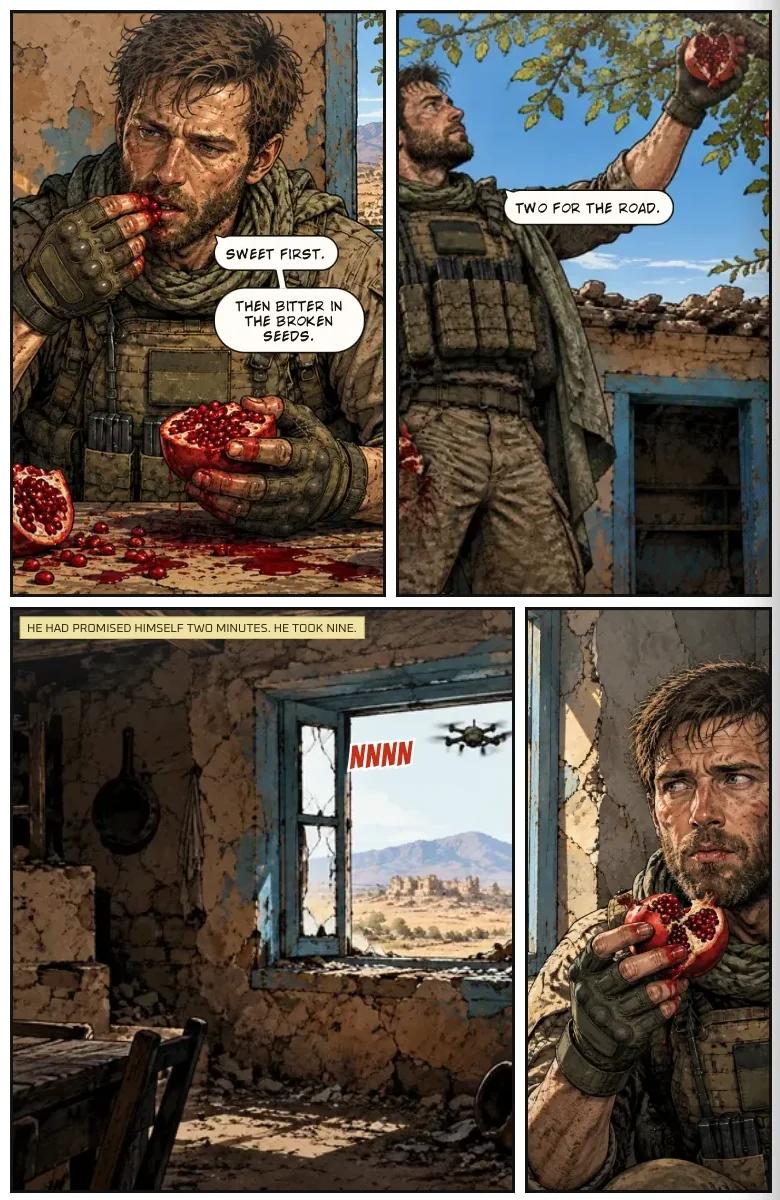
What actually works
01One fixed description per character
Write it once and never retype it from memory: age, build, face, hair and any distinguishing marks. Keep it short and visual. Personality does not help an image; a scar does.
02Outfits as named, reusable things
Costume changes are where consistency usually breaks. Give each outfit a name, such as "the courier jacket" or "the gala dress", and refer to it by name rather than describing the clothes again.
03Locations and recurring objects
A bar that looks different every time is as jarring as a hero whose nose changes. Build each location once and reuse it. The same goes for objects the plot depends on: the briefcase, the sword, the letter.
04One art style, locked
Pick the style before you start and keep it. Mixing styles reads as inconsistency even when the faces match.
How Youdio Studio handles it
You add each character to your book's cast once, with their look and any outfits. Whenever that character appears in a panel the same details are used, so faces and costumes don't drift from page to page. Locations and recurring motifs work the same way, and the art style you pick is kept throughout the book. New to the whole process? Start with how to make a graphic novel with AI.
Try Youdio Studio — build your cast, set your style, and keep every panel consistent.
Frequently asked questions
Why do AI characters change between panels?
Every panel is generated fresh, so small differences in wording produce a slightly different face. Saving each character once and reusing those details removes most of that variation.
How do I keep my characters looking the same in Youdio Studio?
Add each character to your book's cast once, with their look and any outfits, and Youdio Studio remembers them. Whenever a character appears in a panel the same details are used, so faces and costumes don't drift from page to page.
Does it work for outfits and locations too?
Yes. Characters, outfits and locations are built once and reused across the whole book, and the art style you pick is kept throughout.
Does it work for a long graphic novel, not just a short comic?
Yes. A saved cast, saved places and one locked style are what let a long book hold together from the first chapter to the last.