How to make a graphic novel with AI
You don't need to draw. You need a story, a cast and a plan for the pages. Here is the whole process, from first idea to finished book.
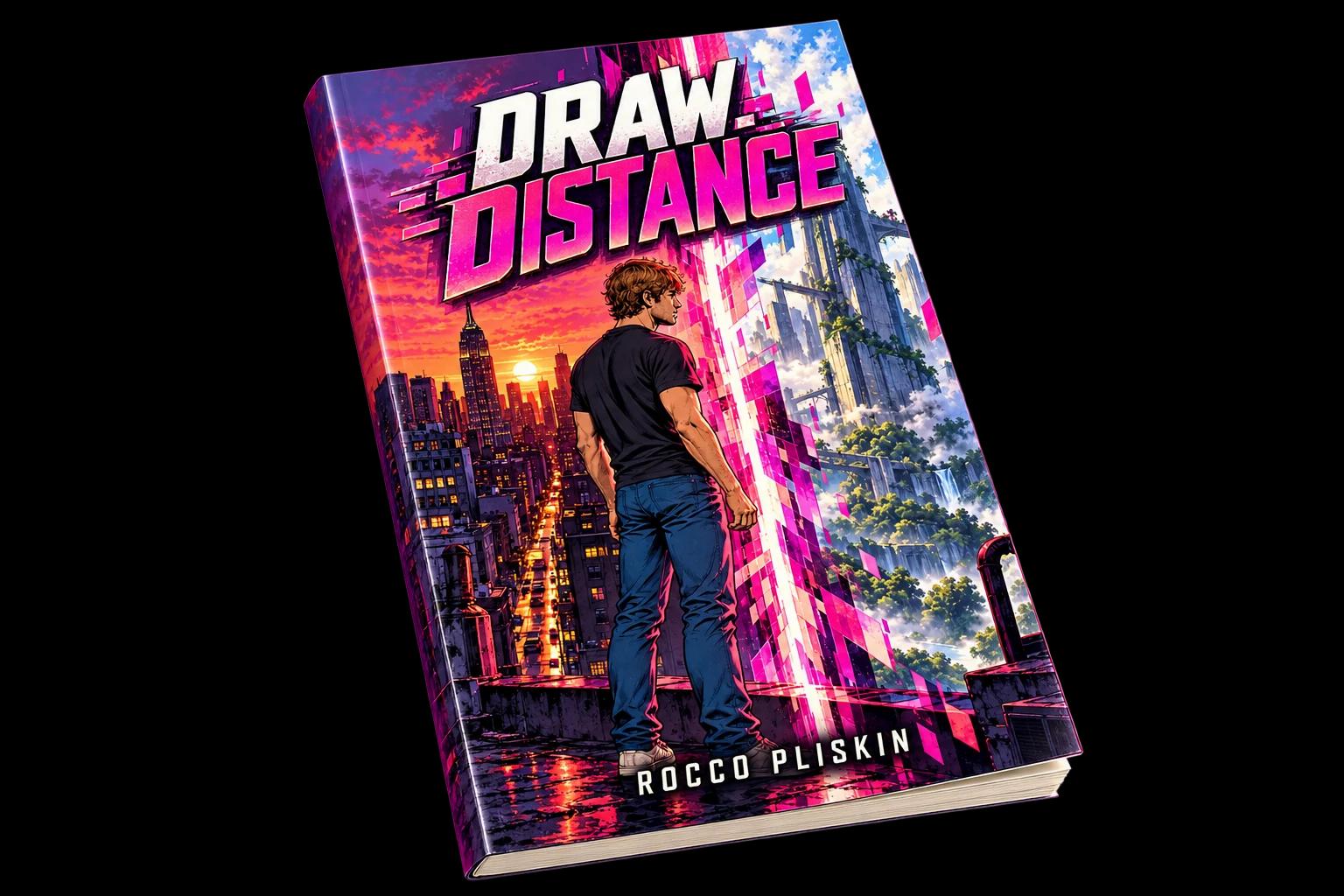
You can make a full graphic novel with AI without drawing a line. You write the story and describe each scene. The AI draws the panels, and a studio tool handles page layout, speech balloons, captions and export. The hard part is no longer the drawing. It is keeping characters consistent and turning a pile of images into real pages.
01Start with a script, an outline or a premise
Any of these works. A finished script is laid out as chapters, pages and panels. A rough outline or a one-line premise gets shaped into the same structure. Whichever you have, decide how long the book is before you generate anything: chapters first, then pages, then panels.
02Build your cast, places and style first
This is the step that separates a graphic novel from a folder of nice pictures. Add each character once, with their look and any outfits. Add the main locations. Choose an art style, anything from gritty ink to soft watercolour, and keep it for the whole book. In Youdio Studio all of these are saved to your book, so every new panel reuses them. There is more on this in our guide to keeping characters consistent.
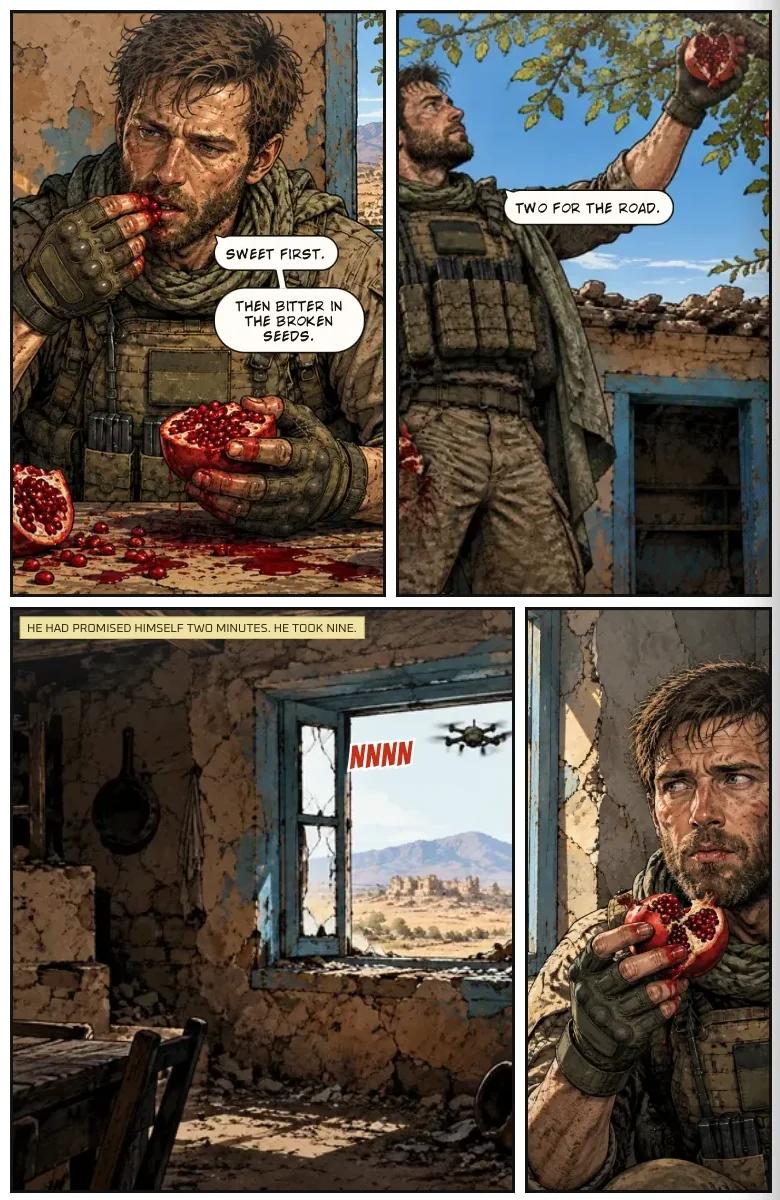
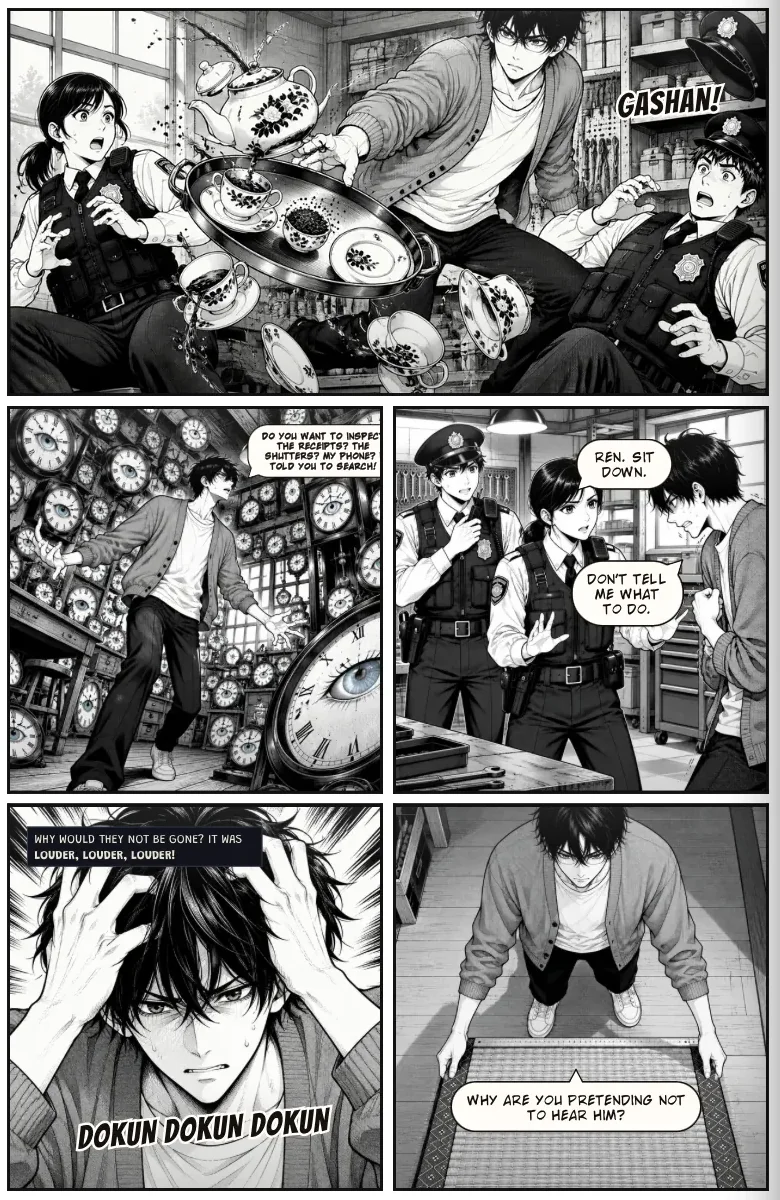
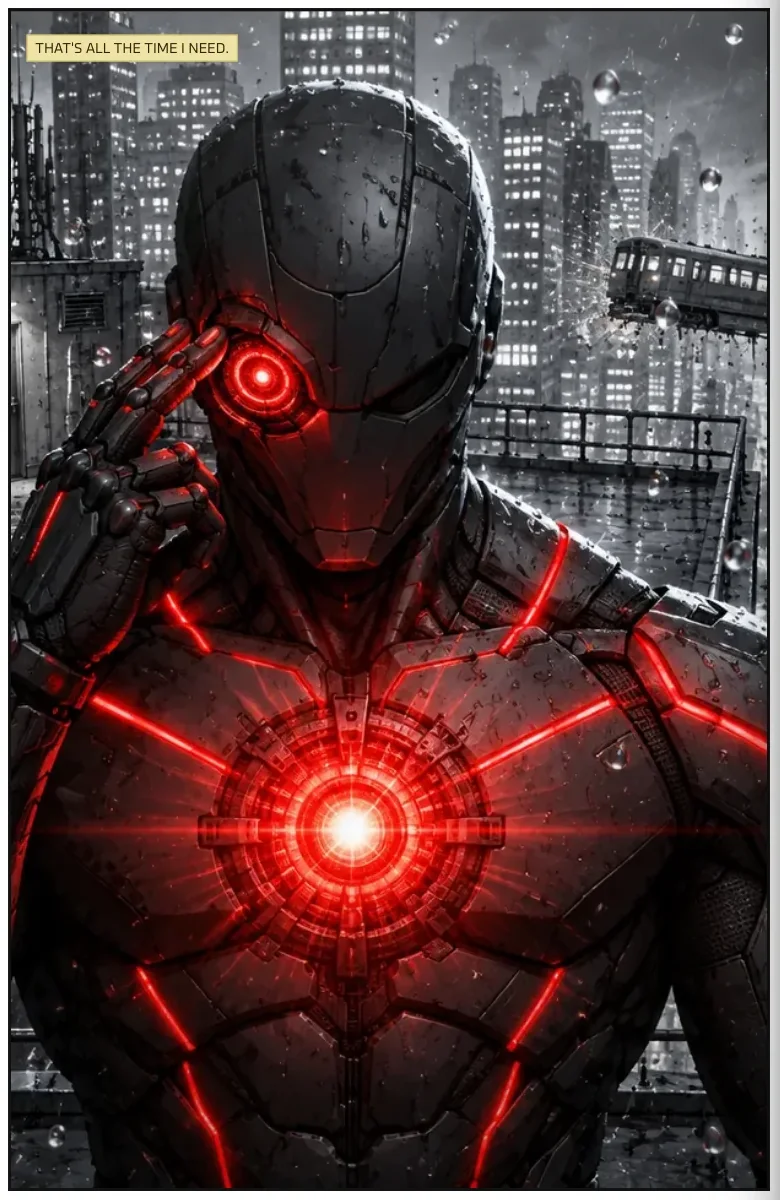
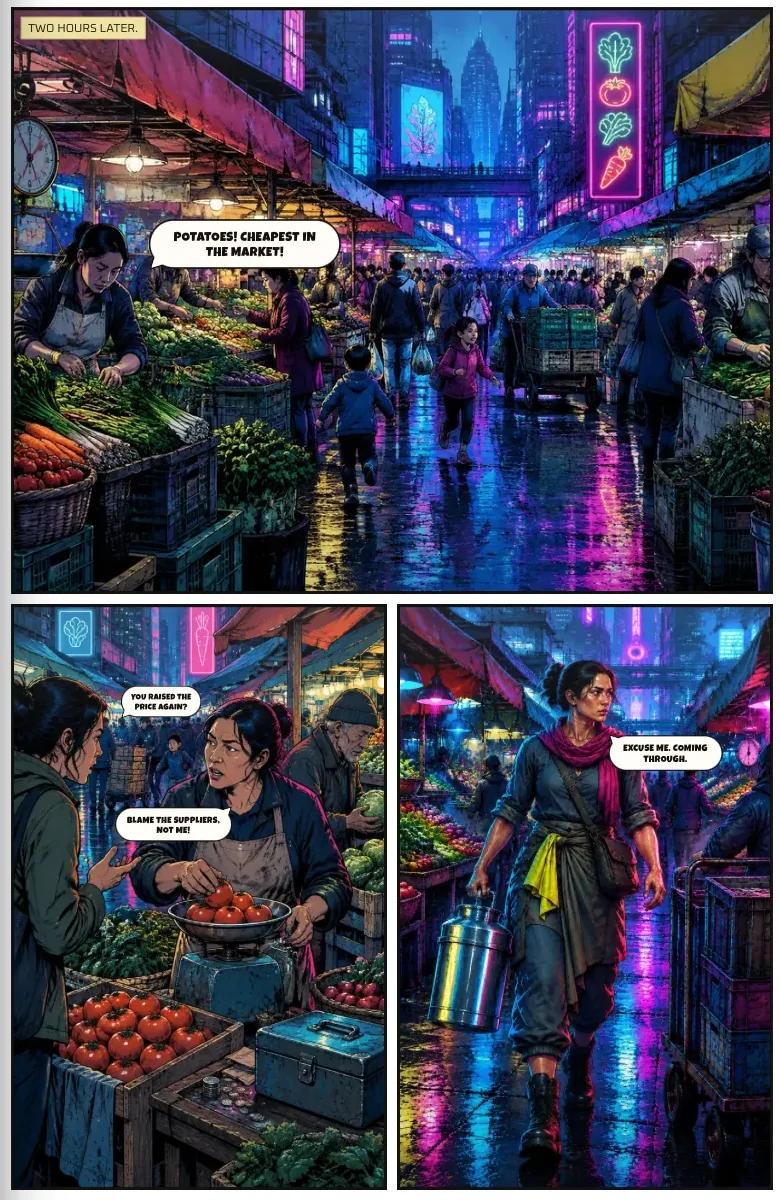
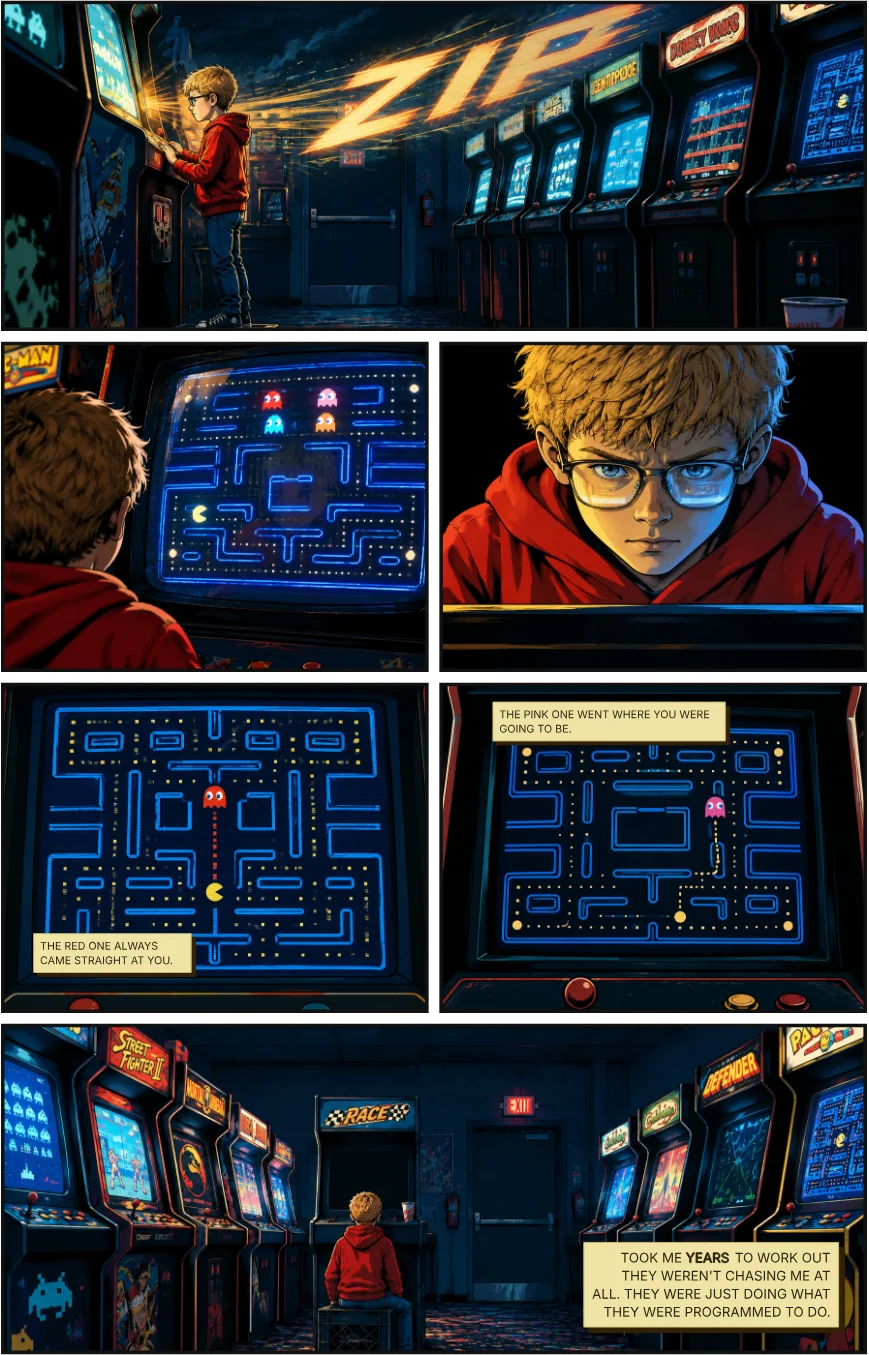
Two pages made in Youdio Studio, in two different styles. The same character stays recognisable from panel to panel.
03Describe each panel in plain words
For each panel, say what the reader sees: who is there, where, what they are doing, the mood and the camera angle. Short and concrete beats long and poetic. "Maya on the fire escape at night, rain, looking down at the street, low angle" will serve you better than a paragraph of backstory.
04Redo what isn't right
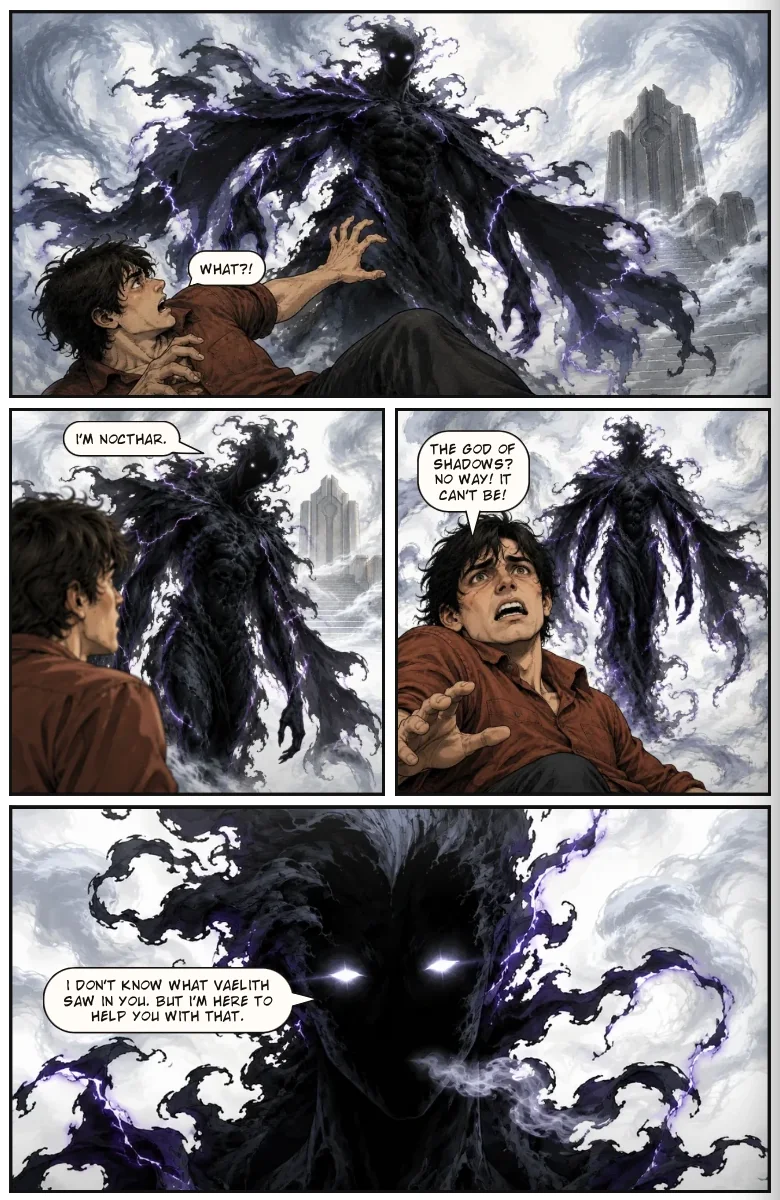
AI art is a draft generator, so expect to redo some panels. Change the description rather than just trying again: if a hand or an expression is wrong, say what you want different. Credits pay for the artwork you generate, so it helps to plan a page before you generate it.
05Lay out the pages and add lettering
Arrange panels into pages, then add speech balloons and captions. Reading flow matters more than the art: if a reader has to think about where to look next, the page isn't working. Youdio Studio lays balloons and captions out for you, and you can move anything.
06Export, print or share
Export a print-ready PDF to take to a printer, or share a page-turning online reader link that anyone can open in a browser, with nothing to install and no account needed. Our guide to printing a self-published graphic novel covers what a printer needs.
What you still bring
AI doesn't give you a story, a voice or taste. It gives you the hours back that drawing would have cost. The studio is built for writers who want to see their book on the page.
Frequently asked questions
Can I make a graphic novel if I can't draw?
Yes. You describe each scene in plain words and the AI generates the artwork panel by panel, while the studio handles page layout, speech balloons, captions and export. You bring the story; if a panel isn't right, you redo it until it is.
Can I use my own script?
Yes. Bring a finished script, a rough outline or only a premise. Youdio Studio lays a script out as chapters, pages, panels, balloons and captions, and you can rearrange everything.
Is it free to start?
Yes. You can start for free with no card needed. New accounts get free credits and a demo book to try straight away, and you can upgrade when your book outgrows the free plan.
Who owns what I make?
It's your story and your book. The full legal wording, including how AI-generated artwork may be used, is in the Terms of Service, so read it before you publish or sell a book commercially.
Can I write it with someone else?
Yes. You can invite collaborators to work on a book with you, which suits a writer-and-artist pairing, a small team, or a writer with a trusted reader giving notes.